
The Role of Images in Creating High-Converting Website Designs

In the field of web design, every single pixel counts, especially regarding images. When accessing a web page, visuals normally capture the attention of the visitor first. They can grab attention, share ideas, and affect decision-making. For websites that aim for conversions, like selling a product, getting leads, or attracting subscribers, images are not just for decoration. They are important tools that can either help or hurt user engagement.
In this article, we will look at how images are essential in making website designs that convert well, what aspects to pay attention to, and how to select and improve visuals that really work.
1. First Impressions: Images Speak Before Words
A user makes a judgment about your website in just a few milliseconds. Before they even read your text or check out your features, they notice your visuals. That first impression is usually influenced by hero images, banners, background illustrations, and product photos.
Why This Matters:
- Images can trigger emotional reactions right away.
- A prominent visual adjusts the users’ mood.
- Bad or alike images will not help you.
Tip:
Choose high-quality, authentic, and brand-related pictures for your homepage and landing pages. Avoid using cheesy and impersonal, staged stock photos.
2. Directing User Attention with Visual Hierarchy
A good image for creating high-converting web design not only makes things look nice, but it also directs the viewer’s eye. In designs that convert well, visuals are placed carefully to guide the user toward taking action.
Example Tactics:
- Use images to frame or direct attention to Call-to-Action (CTA) buttons.
- Faces or the direction of gaze in images can attract attention to certain elements on the page.
- Bright, contrasting visuals near buttons can boost click rates.
When the image matches your CTA message, it aligns with the action you want the user to take. The outcome? Better engagement and more conversions.
3. Showcasing Products and Services Effectively
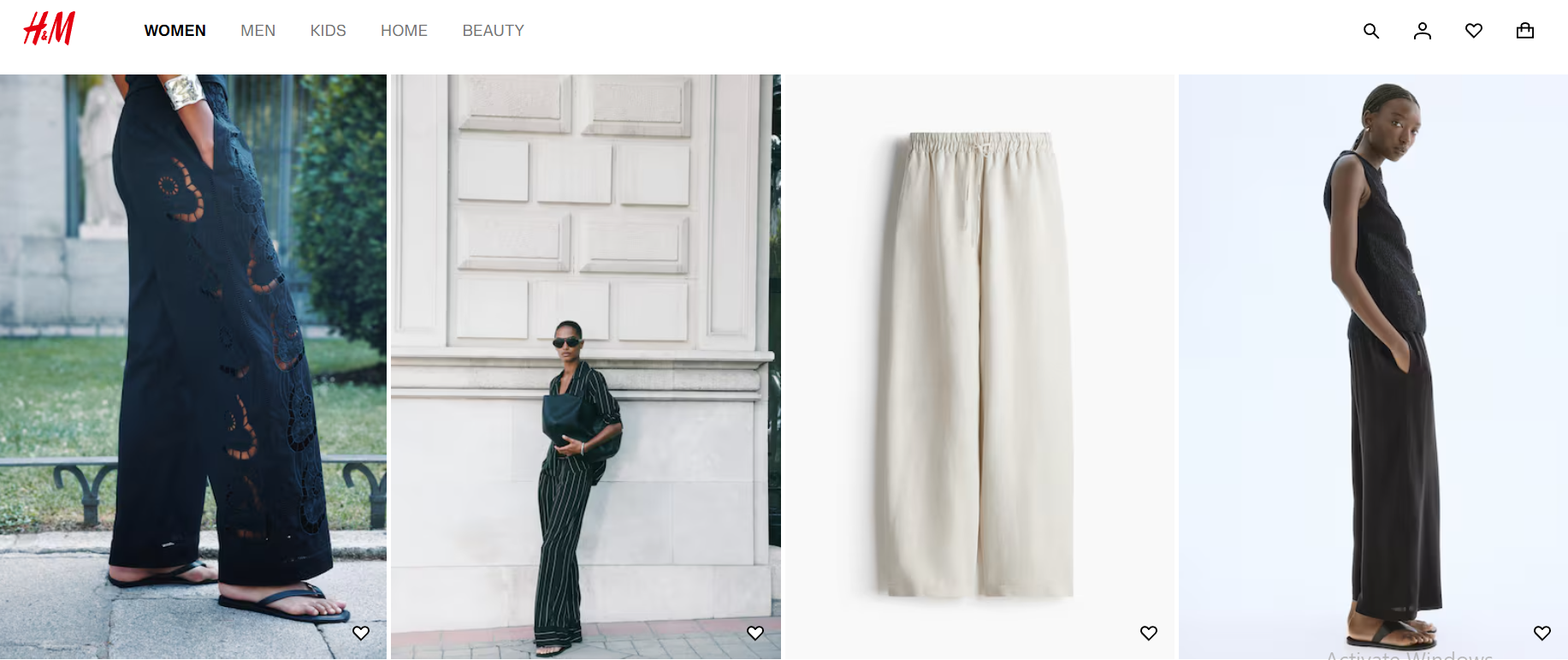
For online stores or service businesses, designs that convert are super important; they’re a must-have. The customers would like to view what they are purchasing or what services can be done.
Best Practices:
- Show different views or angles of your products.
- Use lifestyle photos to display products in real-life situations.
- Include actual pictures of your team or services in action.
For services, behind-the-scenes images and team photos help create trust and a personal connection. Real visuals make people feel more confident and boost the chances of them buying something.
4. Building Trust and Credibility
For services, behind-the-scenes images and team photos help create trust and a personal connection. Real visuals make people feel more confident and boost the chances of them buying something.
What Works:
- Use logos from clients, especially if they are well-known brands.
- Add testimonials or reviews that have photos.
- Show your team with their names and job titles.
Trust is super important for getting people to buy, and images are one of the quickest ways to gain that trust.
5. Faster Sites Convert Better: Optimize Images for Speed
A properly optimized website can actually grind to a halt because of large, unoptimized images. When loading a site, the user gets frustrated with the speed and abandons the site, leading to fewer conversions.
How to Fix It:
- Resize the images and keep the quality.
- The correct format will be WebP or AVIF in web pages, JPG in photos, and PNG in images with transparent sections
- Use lazy loading so that images only load when they are visible on the screen.
- Deliver images using Content Delivery Network (CDN) to send them to servers that are nearer to the user.
User experience includes a lot of performance. A fast website with optimized images, convert your jfif images to jpg makes it easier for users to convert.
6. Responsive Images for Mobile Optimization
A greater part of web traffic (over fifty percent) is generated by mobile users. In the event that your images are not optimized to fit all the screen resolutions optimally, you may be missing mobile conversions.
What to Do:
- Use responsive image techniques with HTML srcset attributes.
- Make sure the mobile versions of images are smaller and cropped for vertical viewing.
- Make calls to action (CTAs) and important visuals clear and centered on smaller screens.
Mobile users want fast and easy-to-use designs. Optimized images help keep your message and visuals strong on all devices.
7. Emotional Triggers: The Psychology Behind Images
Images do more than just share information; they stir feelings. The perfect image can create happiness, urgency, comfort, fear of missing out (FOMO), or a sense of aspiration.
Example Emotional Triggers:
- Joy: Happy people enjoying your product.
- Trust: Genuine customers sharing their experiences.
- Urgency: Graphics showing countdowns or visuals of limited-time offers.
- Aspiration: Photos representing the way you want to live.
Choose some pictures that will appeal to your audience emotionally. Finding an emotional connection will help with making decisions and reduce uncertainty in the buying process.
8. Consistency Builds Brand Identity
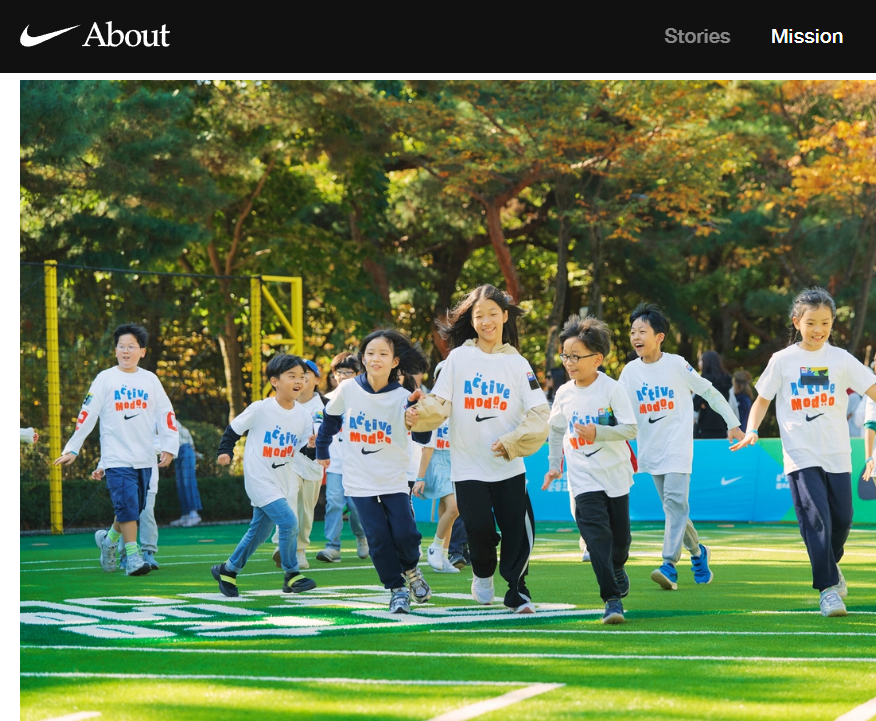
Successful brands use visuals in a consistent way across all their pages and interactions. All fonts, colors, filters on the images, and types of illustrations must be able to come together.
Why Consistency Matters:
- It makes your brand more powerful.
- It enables the user to familiarize himself with your site and find himself comfortable with your design.
- It instills the feeling of professionalism and reliability.
The users might get confused, and their experience might be interrupted by not seeing consistent or matched images. There should be a brand style guide, and you must stick to a brand style guide with each image you select.
9. Use Infographics and Custom Graphics to Explain Complex Ideas
There are cases when a plain photo will not be good enough. When you need to illustrate a procedure, compare something, or leave a description of an idea, the infographics or created graphics will be much nicer than big text.
When to Use:
- For breaking down services, showing timelines, or giving tutorials.
- To show statistics or trends in the industry.
- To point out features and benefits in comparison tables.
A good explanation with visuals also saves their time and helps them understand better, leading to faster & better decision-making and, as a result, you’ll get designs that convert.

10. A/B Testing Visual Elements
Not sure which image is the best? Test it out.
A/B Test Ideas:
- Try different hero images on landing pages.
- Use different product images for the same item.
- Switch between human faces and abstract visuals.
- Experiment with the position of images close to CTAs.
Even minor modifications in graphics can result in large conversion gains. It is only important to test and view the results in order to know what your audience likes.
11. Alt Text, Titles, and Image SEO
Websites that convert well don’t ignore the search value of images. Every image on your site is a chance to attract organic traffic if it’s optimized correctly.
Include:
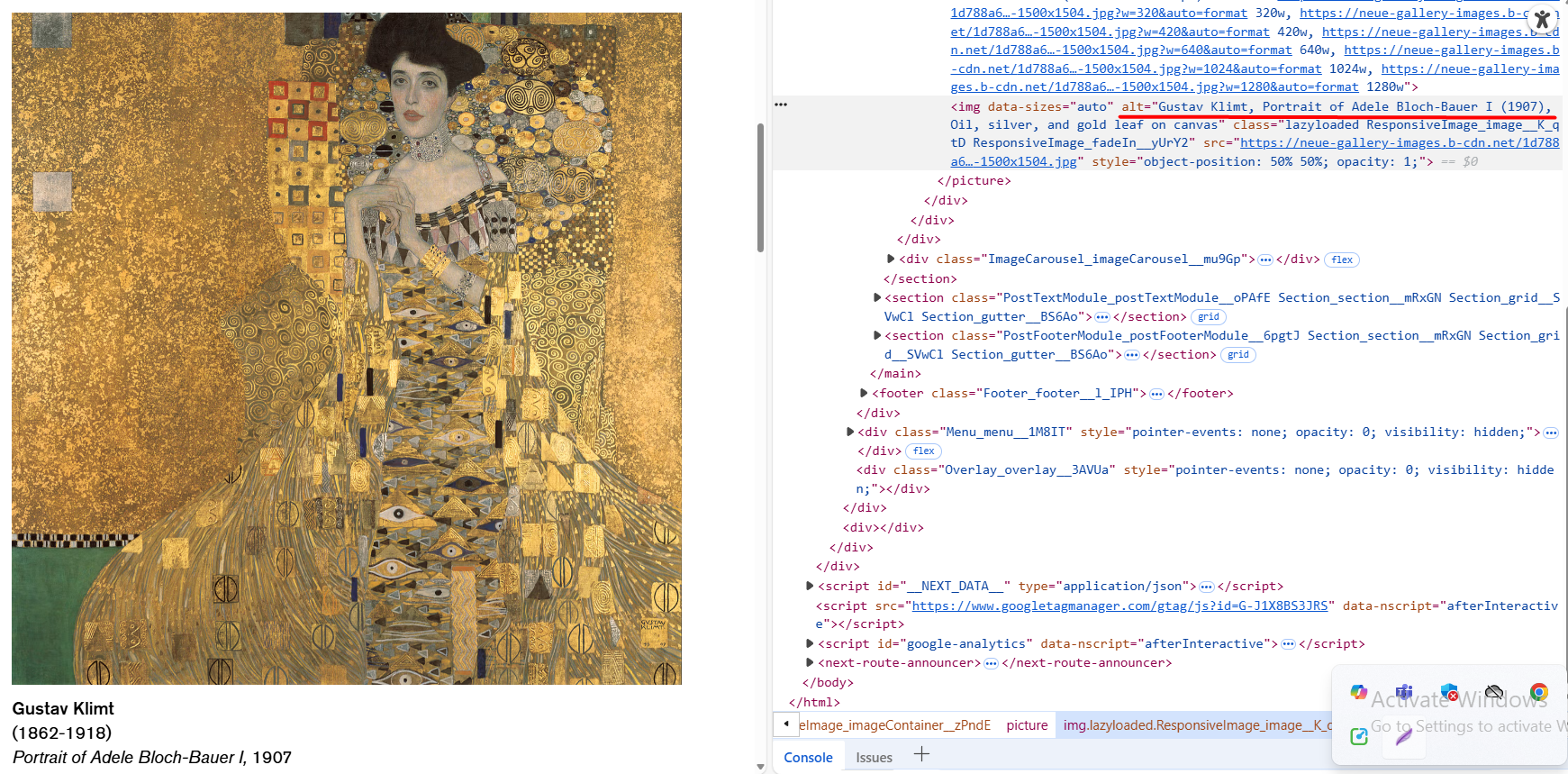
- Descriptive and keyword-rich alt attributes.
- Descriptive filenames (like handcrafted-leather-wallet.jpg instead of IMG1234.jpg).
- Schema markup for images if it fits.
These will make Google know about what your images depict and thus, can increase your scores in image search, getting you noticed.
12. Placement Strategy: Where Images Convert Best
Not all pictures are appropriate in all places. The position that you put the image in will determine whether you make use of the image or it will distract you
Conversion-Friendly Image Placements:
- Hero section with a clear call-to-action
- Product pages that allow zooming and show different views
- Sections for testimonials or reviews
- About page featuring real pictures of people
- In between sections to break up text and keep attention
Ensure that the images you use contribute to the user experience rather than stop the user. Any picture is to be on the page for some reason.
13. Accessibility Matters
Designing websites for everyone means that all users can access and understand your content, including images.
Ensure:
- Use alt text for all important visuals.
- It should not use pure text visuals that the screen readers cannot read.
- Remember visuals or infographics with text should be kept with a high contrast.
An easy-to-click site reaches a greater number of people and also fosters confidence among the user who tends to feel bypassed.
Final Thoughts
Images should not be meant only to decorate; they are powerful instruments that can aid in attracting users, building trust, speeding up the decision-making process, and generating more conversions. The tools’ usefulness, however, depends on their usage, as much as any tool does.
In short:
- Select good visuals, relevant to your brand.
- Ensure that they are quick, mobile-compatible, and reachable.
- Put them strategically and emotionally to cause user actions.
- Test and tweak your image all the time.
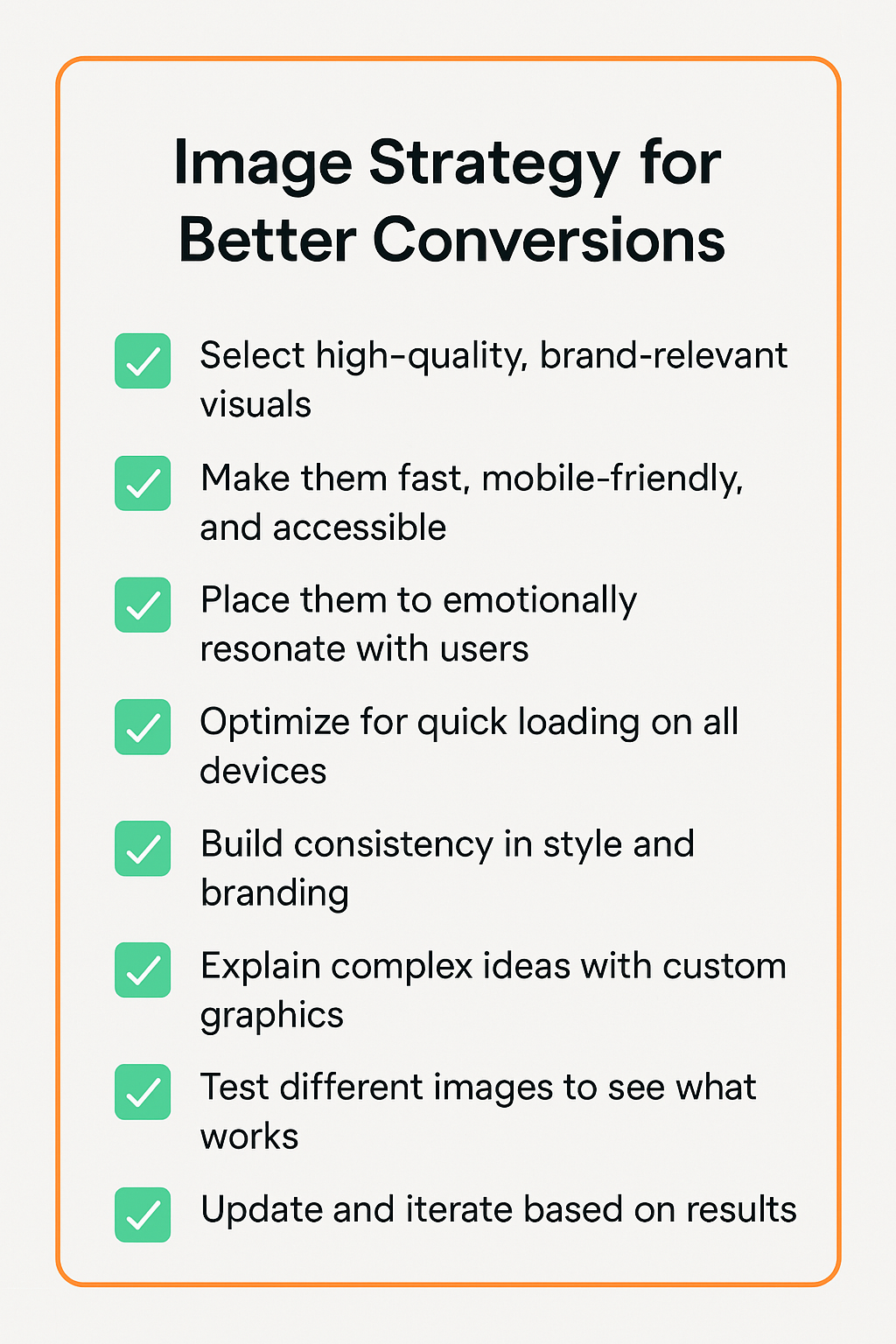
Your web page design ought to be more than functional; it must also induce conviction. In a sensible use, images can become one of the most efficient tools that make a casual visitor become a loyal consumer. This checklist graphic helps you visually distill your optimization strategy for image-driven web design.
ABOUT THE AUTHOR
